Myths About Records Digitisation
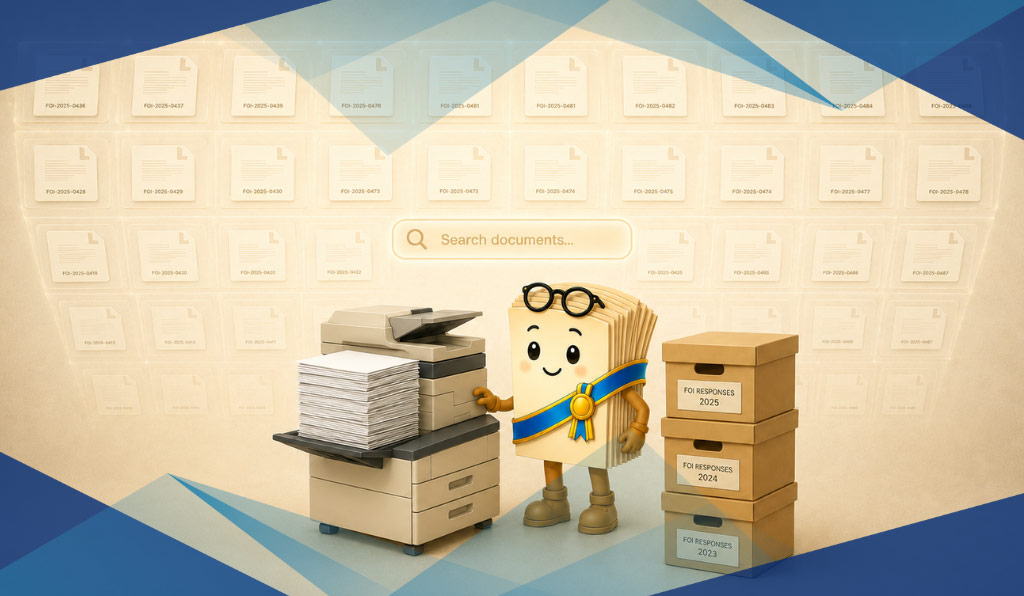
This is what could happen when a digitisation plan gets built around the act of scanning, but doesn’t prescribe the actions that make a document searchable. Here are three myths about records digitisation that can influence the contents of your organisation’s digitisation plan and whether it meets PROV’s standards.
Myth 1: scanning a document is the same as digitising it
Scanning creates an image of a document. Unless that image has structured metadata attached, it isn’t searchable by its contents, and is only findable if you already know which folder it’s sitting in and what its file name is.
PROV’s Digitisation Specification (PROS 25/02 S1) sets out what’s actually required when a Victorian public office digitises a source record and intends to use the digital copy as the official record. It covers scan quality, the digitisation process itself, and how the digitisation activity needs to be documented in a Digitisation Plan. PROV’s Digitisation Specification should be used in conjunction with PROS 19/05 S2, the Minimum Metadata Requirements Specification, which sets the baseline metadata that needs to be captured for every digitised record.
That baseline is only the floor. Most organisations layer their own metadata schema on top, mapped to their own unique requirements (like their EDRMS structure), and the way their teams actually search for records day to day. A record digitised to the PROV minimum but never mapped to an organisation’s own schema is compliant on paper but practically still hard to find.
What this means for a digitisation project:
- Optical Character Recognition (OCR) and structured metadata are non-negotiables. Together, they make digitised records machine-readable and searchable. Without them, a document is essentially invisible to a search query.
- PROV’s minimum metadata might not meet your organisation’s unique schema requirements. PROV sets out the minimum metadata required for a digitised record, but it’s crucial to map the unique way documents are currently searched for, retrieved and used by your organisation. Are they filed based on department name, chronological age, or retention period? Are they regularly retrieved by their function or the name of the person who created it? Mapping your organisation’s own unique schema requirements will yield faster searches and more findable documents once they’re digitised.
- A naming convention isn’t the same as an index. Files named consistently, like “2024_Planning_001.pdf” through “2024_Planning_450.pdf,” can look organised in a folder view, but a naming convention only helps the person who already knows exactly which file they’re after. It doesn’t let anyone search by property address, applicant name, or any other detail held inside the document itself. Without metadata attached, that folder is still only navigable one file at a time, the same limitation as the physical box it replaced.
Talk to Compu-Stor about a digitisation roadmap
Done properly, digitisation removes the retrieval delay, the storage cost, and the audit risk in one project. Done as a scanning exercise alone, it simply replicates your current discoverability problems onto a screen. Compu-Stor supports Victorian government agencies across the full records lifecycle, including digitisation to PROV’s PROS 25/02 S1 specification, metadata mapping against your own schema, and a compliant path through to disposal under PROS 19/07 where it applies.
Talk to Compu-Stor about a full digitisation roadmap for your organisation →
This guide is intended as general guidance. For complex records or edge-case situations, we recommend confirming digitisation and disposal decisions with your Records Manager or contacting PROV directly.
Sources
1. IDC, Information: The Lifeblood of the Enterprise, cited via Cottrill Research, “Various Survey Statistics: Workers Spend Too Much Time Searching for Information”

Compu-Stor’s PROV RDA Finder is a guided, interactive tool designed specifically for Victorian government records managers. Rather than downloading a schedule and working through the hierarchy manually, our Finder provides an interactive guide that allows you to manually click through Function, Activity and Class designations, or search based on a keyword.
For government orginisations wanting to increase productivity, Compu-Stor provides a complete, PROV-compliant pathway from digitisation through to certified physical destruction, with full chain-of-custody documentation and a disposal certificate for your records. Get in touch to find out more.
The RDA Finder is designed to support retention decisions and should be used as a guide. For complex or edge-case record types, we recommend confirming the outcome with your Records Manager or contacting PROV directly.
This guide is intended as general guidance. For complex records or edge-case situations, we recommend confirming disposal decisions with your Records Manager or contacting PROV directly.
- How to Find the Right PROV Disposal Authority (Without Guesswork)
- Why Storing Records Longer Than You Should Is Costing You More Than You Think
- The Risk of 'We'll Get to It Later': How Records Degrade Over Time
- What Happens If You Destroy a Record Too Early? (And How to Put It Right)
- Why Managing Retention Schedules In a Spreadsheet Breaks Down Over Time
- How to Manage a Victorian Government Records Retention Schedule in Excel